Key Takeaways
Traditional OCR works best on clean, standard documents, not real enterprise files. Low accuracy creates delays, rework, and extra checking. OCR often increases manual review instead of reducing it. It struggles with tables, stamps, mixed layouts, and scanned quality issues. Better systems focus on document understanding, not only text reading.
Why Traditional OCR Fails in Complex Enterprise Workflows
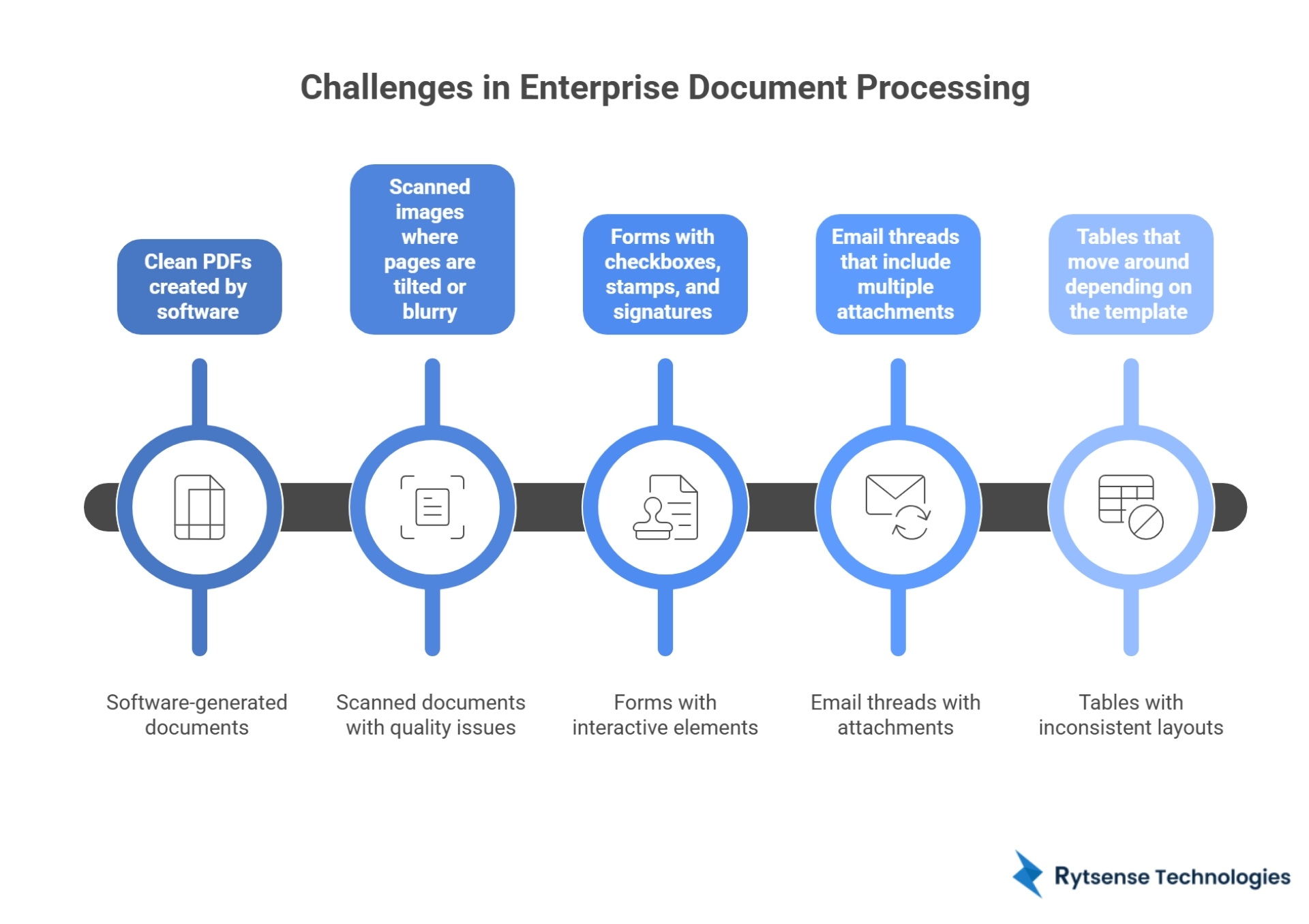
Big companies don’t deal with one neat PDF at a time. They deal with thousands of documents every week. Invoices, contracts, claim forms, shipping papers, ID proofs, emails, and scanned forms keep flowing in from customers, vendors, and internal teams. And the files are rarely clean.
That’s where traditional OCR starts struggling. After seeing these day-to-day document issues, many enterprises look for stronger solutions and often speak with providers like Rytsense Technologies when they want document processing that can handle real business volume.
If you already work with custom computer vision development services in your document flow, you know the goal is not just reading words. The goal is pulling the right data, putting it in the right place, and doing it consistently.
What OCR Does Well and What It Fails At in Real Workflows
Traditional OCR is mainly built to do one job: read printed text and turn it into digital text. That sounds useful, but enterprise workflows need more than “text.”
In a business process, the question is not “Can we read the page?”
The real question is “Can we capture the correct data field and send it where it needs to go?”
For example:
- It is not enough to read an invoice
- You need the invoice number, vendor name, due date, line totals, and taxes in the right fields
- You also need those fields to match your ERP and accounting rules
That is where OCR-only setups start falling behind.
Why OCR Accuracy Drops in Complex Enterprise Documents
OCR accuracy is often high in demos because the sample documents are clean. Real documents are messy. That mess is what hurts accuracy.
Common reasons OCR fails include:
- Poor scans, blur, shadows, folds, or low resolution
- Stamps and signatures covering important text
- Documents photographed with a phone
- Tables where rows shift or merge
- Multiple templates for the same document type
- Mixed languages, abbreviations, and codes
A small error might not look serious, but in enterprise systems, one wrong digit in an invoice number or policy ID can stop the whole workflow.
Why OCR Creates Manual Work Instead of Reducing It
Many teams buy OCR because they want less manual effort. But traditional OCR often creates more checking work.
This usually shows up as:
- Someone still needs to verify fields before posting them
- Teams fix errors in totals, dates, and IDs
- Staff retype data that OCR missed
- People keep updating rules when formats change
So instead of removing manual work, OCR moves it into a “review step” that never really goes away.
Why OCR Struggles With Volume and Scale
Enterprises don’t just have high volume. They have a high variety.
That variety makes scaling hard:
- One company may receive invoices from 200 vendors, each using a different format
- Contracts can be scanned, emailed, or signed digitally
- Shipping papers may be printed, stamped, and photographed
- Forms may have handwritten sections or checkboxes
OCR may process more pages per hour, but if the review queue keeps growing, speed does not help much. The system becomes faster at producing results that still need human correction.
Real Business Problems Caused by OCR Failures
OCR issues don’t stay inside IT. They hit business operations.
Common business impacts include:
- Late invoice approvals and delayed vendor payments
- Claims are stuck because key fields are missing or wrong
- Compliance gaps because documents are not captured correctly
- Customer service delays because teams cannot find clean data quickly
- More internal time wasted on “fixing the file.”
When this happens every day, teams start losing trust in the system.
Manual vs Smarter Document Processing
Here’s a simple way to understand the difference.
AreaTraditional OCRSmarter Document ProcessingBest suited forClean, standard textMixed formats and messy filesHandles layout changesWeakBetter handlingWorks with tablesOften inconsistentMore reliableNeeds manual reviewHighLowerScales with varietyPoorBetter
OCR reads words. Modern document processing focuses on accuracy, structure, and workflow movement.
What Enterprises Need Beyond OCR
Most enterprise workflows require a system that can do more than scan text.
They need tools that can:
- Recognize document types automatically
- Pull data from tables without breaking row structure
- Understand layouts, headers, and sections
- Validate fields (like totals, dates, and IDs)
- Flag only true exceptions instead of sending everything to review
This is where machine learning consulting services help in real cases, because models can be trained around your formats, your vendors, and your business rules.
Signs Your Enterprise Has Outgrown Traditional OCR
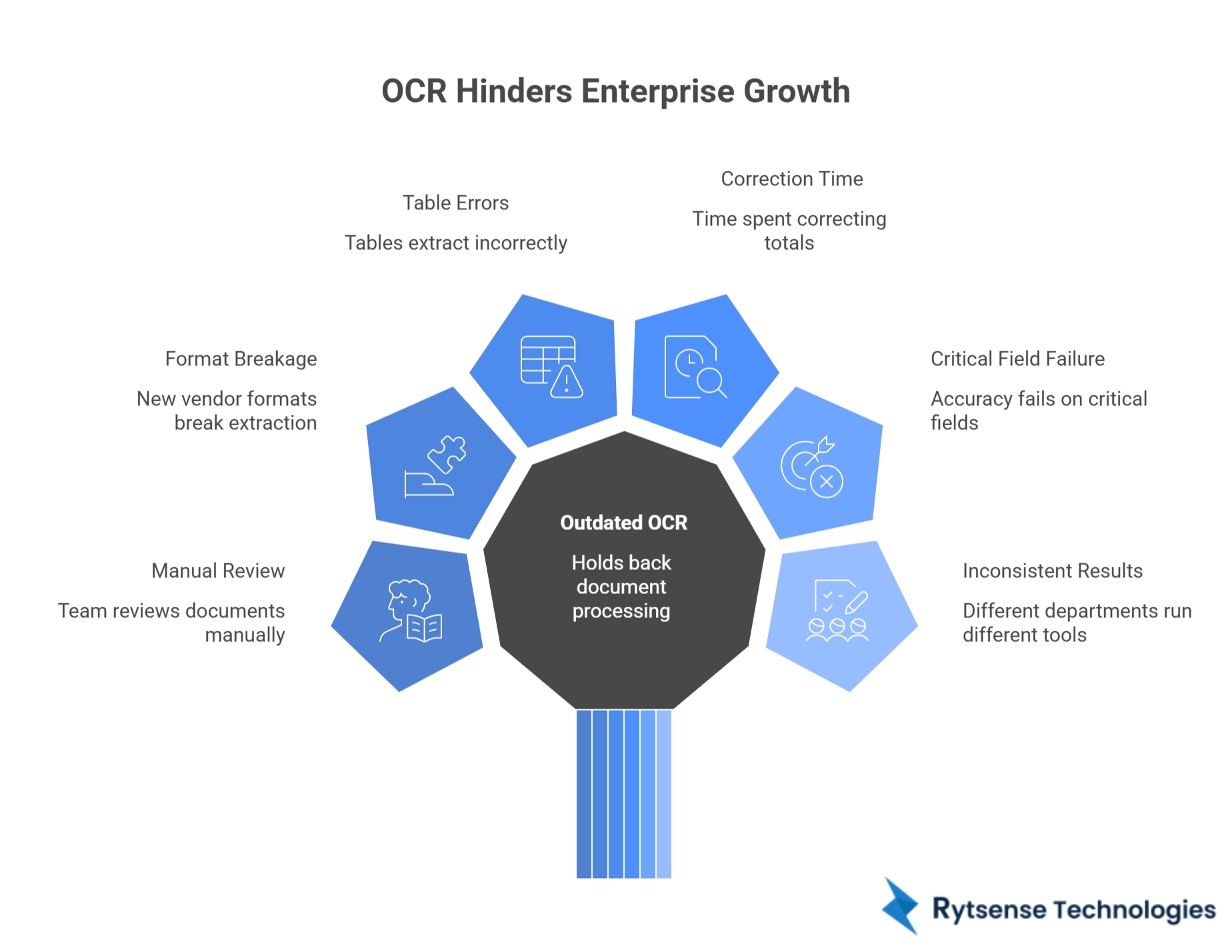
If any of these sound familiar, OCR is likely holding you back:
- Your team still reviews most documents manually
- Every new vendor format breaks the extraction
- Tables keep extracting wrong
- You spend time correcting totals and IDs
- Accuracy looks “fine” overall, but fails on critical fields
- Different departments run different document tools with inconsistent results
These are not small issues. They are workflow issues.
How to Move Toward Better Document Processing
Enterprises do not need to throw everything away overnight. Many start by improving where the biggest pain exists.
A simple path looks like this:
- Identify which document types cause the most rework
- Track which fields fail the most (invoice numbers, totals, IDs, names)
- Reduce review by improving field validation
- Add classification and routing to cut sorting time
- Ensure extracted data flows into ERP and CRM cleanly
The goal is not “100% perfection.” The goal is consistent output that teams can trust.
Conclusion
Traditional OCR fails in complex enterprise workflows because real documents are messy, formats keep changing, and volume keeps growing. Low accuracy, constant review work, and weak scalability turn OCR into a daily bottleneck. Enterprises need systems that understand documents, validate key fields, and keep workflows moving without constant manual fixes.
Companies that want stronger document automation often explore providers like Rytsense Technologies when they need enterprise-ready processing that works on real documents, not demo files.
Meet the Author

Co-Founder, Rytsense Technologies
Karthik is the Co-Founder of Rytsense Technologies, where he leads cutting-edge projects at the intersection of Data Science and Generative AI. With nearly a decade of hands-on experience in data-driven innovation, he has helped businesses unlock value from complex data through advanced analytics, machine learning, and AI-powered solutions. Currently, his focus is on building next-generation Generative AI applications that are reshaping the way enterprises operate and scale. When not architecting AI systems, Karthik explores the evolving future of technology, where creativity meets intelligence.