Key Takeaways
Enterprises deal with document overload across teams, tools, and formats. Bottlenecks often come from manual steps, slow handoffs, and messy extraction. Traditional OCR can slow things down when files are inconsistent or unclear. Scalable document processing helps keep work moving as volume increases. The real goal is steady workflows, not just pulling text from pages.
Managing Document Flows at Enterprise Scale
Enterprises today handle an enormous flow of documents across departments, partners, and customers. Contracts, invoices, forms, claims, reports, and emails move through systems constantly, often in different formats and structures. As document volumes grow, even small inefficiencies can quickly turn into serious operational slowdowns.
In sectors such as AI in the insurance industry, teams deal with claims, policies, and compliance documents throughout the day. When documents move slowly, customers wait longer for responses, and internal teams struggle to keep work moving forward. Delays in document handling often show up first as missed timelines and growing backlogs.
Rytsense Technologies assists organizations in advancing from basic document capture to more sophisticated document processing that can scale with growing volumes.
Why Do Enterprises Hit Bottlenecks When Document Volume Grows?
Bottlenecks usually do not come from one single breakdown. They build up through everyday friction that becomes hard to manage at scale:
- Documents arrive in different formats and quality levels
- Files need sorting, naming, and routing before anyone can use them
- Data must be extracted, checked, and entered into systems
- Exceptions pile up and require manual attention
When volume is small, teams can “catch up” with extra review. When volume is huge, that catch-up never happens. Queues become the norm, and document work starts slowing down approvals, customer updates, and internal decisions.
What Makes Enterprise Documents Hard to Process at Scale?
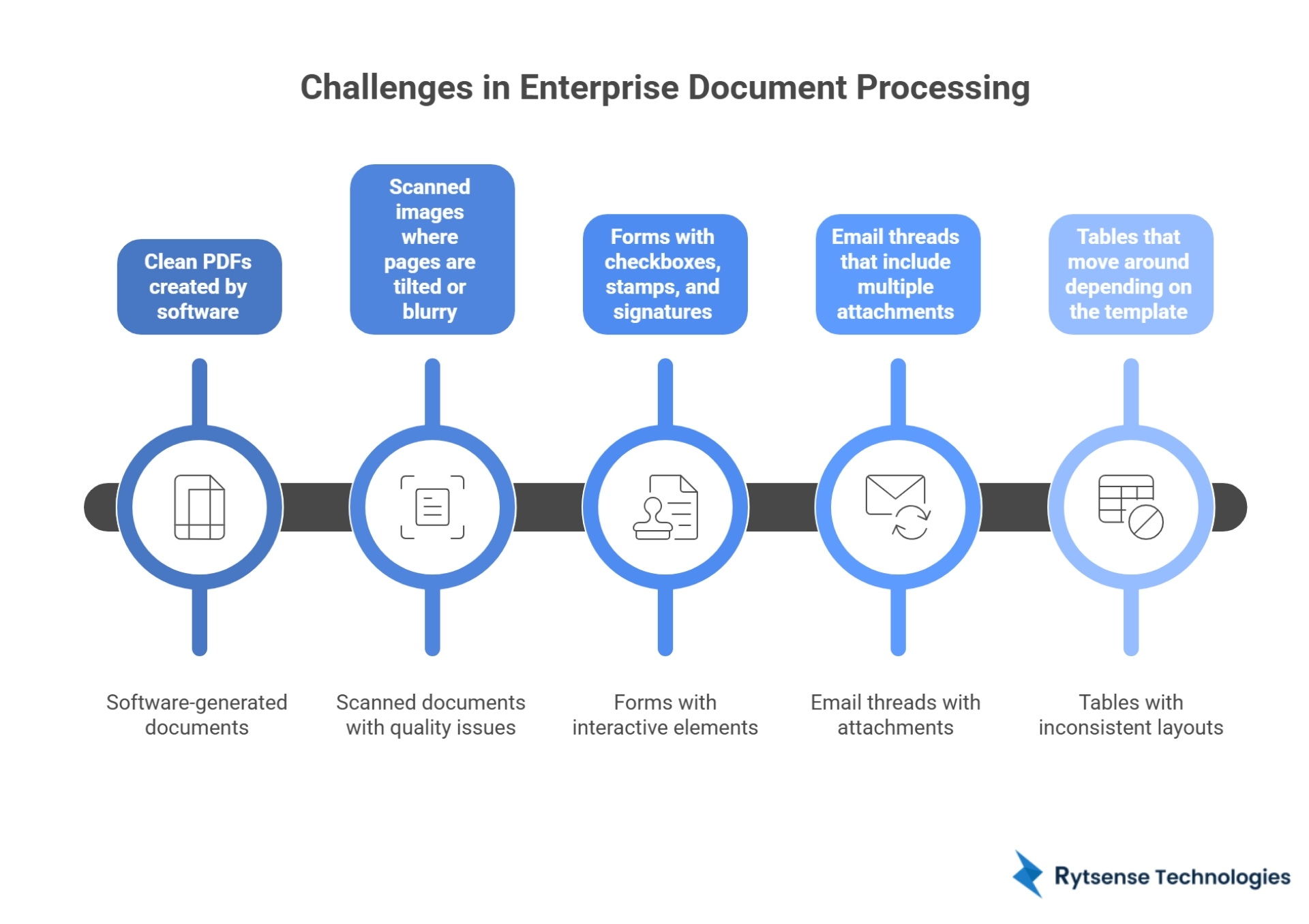
Enterprise paperwork is rarely clean and consistent. Real files come in mixed formats, and they do not always follow the same layout. A single workflow may include:
- Clean PDFs created by software
- Scanned images where pages are tilted or blurry
- Forms with checkboxes, stamps, and signatures
- Email threads that include multiple attachments
- Tables that move around depending on the template
This becomes a problem because many systems expect documents to behave the same way every time. At high volume, that assumption fails quickly. When the system cannot recognize the format or locate key fields, people jump in to fix it, and that manual cleanup becomes the slowdown.
Why Traditional OCR Often Creates Delays Instead of Solving Them
OCR can help, but it has limits, especially when enterprises try to use it as the main solution. Traditional OCR reads characters. It does not really “know” what the document is or what the data means.
Where OCR struggles most:
- Accuracy drops when scans are low quality, layouts vary, or handwriting is involved. With millions of files, even a small error rate leads to a large amount of correction work.
- Manual review grows because teams must fix extraction mistakes, confirm key fields, and handle exceptions that OCR cannot interpret.
- Scaling costs rise because higher volume means more processing, more checks, and more staff time spent cleaning outputs.
The result often becomes repetitive: extract, fix, verify, and redo. That cycle creates delays, pushes costs up, and makes timelines harder to predict.
How Intelligent Document Processing Keeps Work Moving
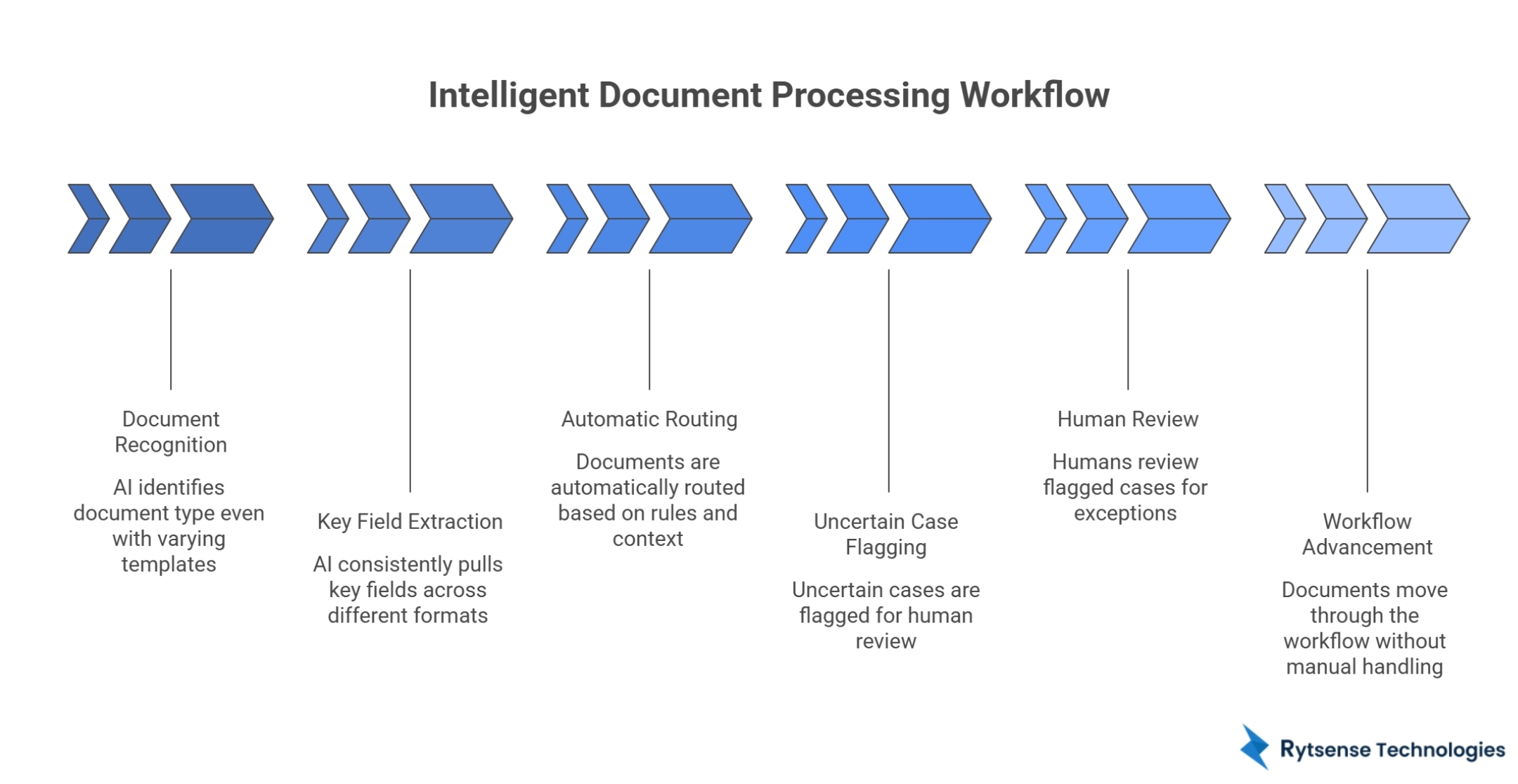
To remove bottlenecks, enterprises need more than text reading. They need a setup that can recognize document types, pull the right fields, and move files to the correct workflow without constant manual handling.
In the middle of large workflows, many organizations use AI automation services to reduce repetitive sorting and verification. The point is not to remove humans completely. The point is to stop humans from having to touch every single file, so they can focus on true exceptions instead of routine documents.
Intelligent document processing usually helps by:
- Identifying document type even when templates vary
- Pulling key fields more consistently across formats
- Routing documents automatically based on rules and context
- Flagging only the uncertain cases for review
This helps teams keep pace, even when volume increases month after month.
Traditional OCR vs Intelligent Document Processing
Here is a simple comparison that shows why bottlenecks often appear with basic OCR:
AreaTraditional OCRIntelligent Document ProcessingWhat it doesReads text charactersUnderstands document structure and fieldsFormat flexibilityBest with clean, consistent scansHandles mixed formats and varied layoutsManual effortHigh review and correctionReview mostly for exceptionsScale impactErrors and queues grow fastDesigned to keep speed steadyWorkflow routingUsually separate/manualBuilt into processing flow
OCR alone can pull text, but enterprises also need classification, validation, and routing. Without those layers, extraction becomes just one step, and the slow parts still sit around it.
What Are the Real Business Impacts of Document Bottlenecks?
When document processing slows down, it rarely stays contained in one corner of the business. It spreads across teams because documents are tied to decisions, approvals, and customer timelines.
Common impacts include:
- Slower approvals: invoices, contracts, and requests sit longer before action is taken
- Higher operating costs: more staff hours go into review, correction, and rework
- Missed timelines: service-level targets slip because files are not moving
- Lower accuracy: rushed cleanup can lead to wrong fields, wrong records, or missing details
- Workflow drag: customer support and operations teams wait for documents to proceed
At enterprise scale, delays get expensive quickly. A backlog that starts today can grow for days if new documents keep arriving at the same pace.
What Does a Scalable Document System Look Like?
A scalable document operation has a few clear traits:
- Consistency under load: Processing speed stays stable even when volume spikes.
- Format tolerance: The system handles variety without breaking workflows.
- Exception-first review: Humans focus on uncertain cases, not every single document.
- Workflow connection: Documents are not just stored. They move to the next step automatically.
Enterprises that build around these traits lower the chance of recurring backlogs, even as document volume grows year after year.
Conclusion
Enterprises can handle millions of documents without bottlenecks when document processing is treated as an ongoing workflow, not a one-time text extraction step. Traditional OCR often falls short at scale because accuracy drops, manual review grows, and throughput becomes harder to keep stable. Intelligent document processing reduces the slowdown by improving classification, extraction, routing, and exception handling inside one connected flow.
If an organization wants faster operations without constant backlogs, it needs a document processing setup that can grow with volume and complexity, which is the kind of work providers like Rytsense Technologies focus on supporting.
Meet the Author

Co-Founder, Rytsense Technologies
Karthik is the Co-Founder of Rytsense Technologies, where he leads cutting-edge projects at the intersection of Data Science and Generative AI. With nearly a decade of hands-on experience in data-driven innovation, he has helped businesses unlock value from complex data through advanced analytics, machine learning, and AI-powered solutions. Currently, his focus is on building next-generation Generative AI applications that are reshaping the way enterprises operate and scale. When not architecting AI systems, Karthik explores the evolving future of technology, where creativity meets intelligence.